
Baseline
Understand what changed in your Apple Health data — without uploading it.
Baseline looks at the signals already on your iPhone and helps explain what looks unusual for you, what moved together, and what may just be normal noise.
Private by default · Built around your normal · Cautious with conclusions
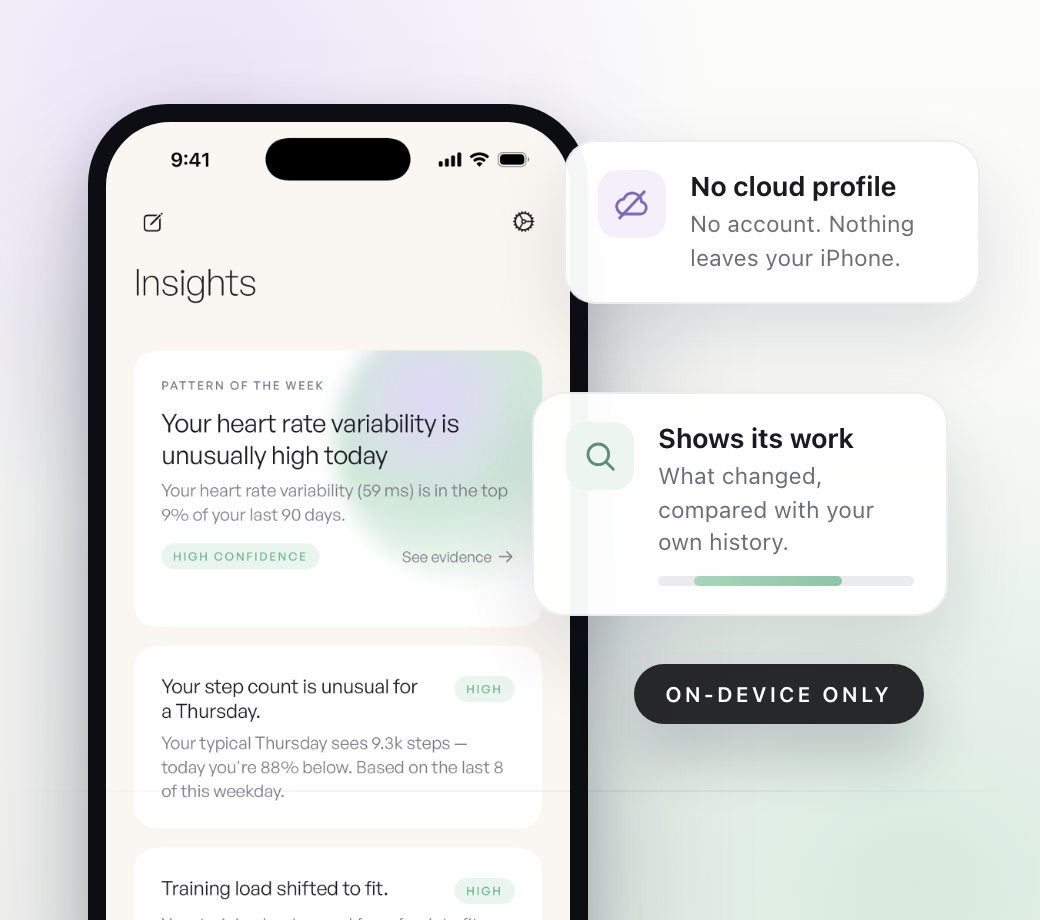
Not another cloud wellness dashboard.
Apple Health can show you a lot of numbers. Baseline is for the moment after that — when you want to understand what changed, whether it is unusual for you, and whether other signals moved at the same time.
It compares sleep, heart rate, HRV, activity, workouts, and other available Apple Health trends against your own history. The point is not to chase a perfect day. The point is to understand your own patterns with less guesswork.
Baseline is built to be careful with your data and careful with its conclusions. Every top insight should show what changed, what it was compared against, how much data supports it, and what Apple Health alone cannot explain.
Why Baseline is different
Most wearable apps can tell you a number changed. Baseline is being built around a more useful question: does this look meaningful for you, or is it probably just noise?
Personal baseline first
A “good” or “bad” number is not the same for everyone. Baseline focuses on what is typical for you, then highlights when your own pattern changes.
Clear about uncertainty
Wearable data can be sparse and noisy. Baseline is designed to say when there is not enough data, when a pattern is weak, and when something is worth watching.
Private by design
Your iPhone already has the signals. Baseline analyzes them on-device, without requiring an account or uploading your Apple Health history.
How Baseline Works
Baseline starts with the health data already on your iPhone and turns it into daily context, weekly patterns, and plain-English explanations that show their work.See our methodology for more details: Methodology.
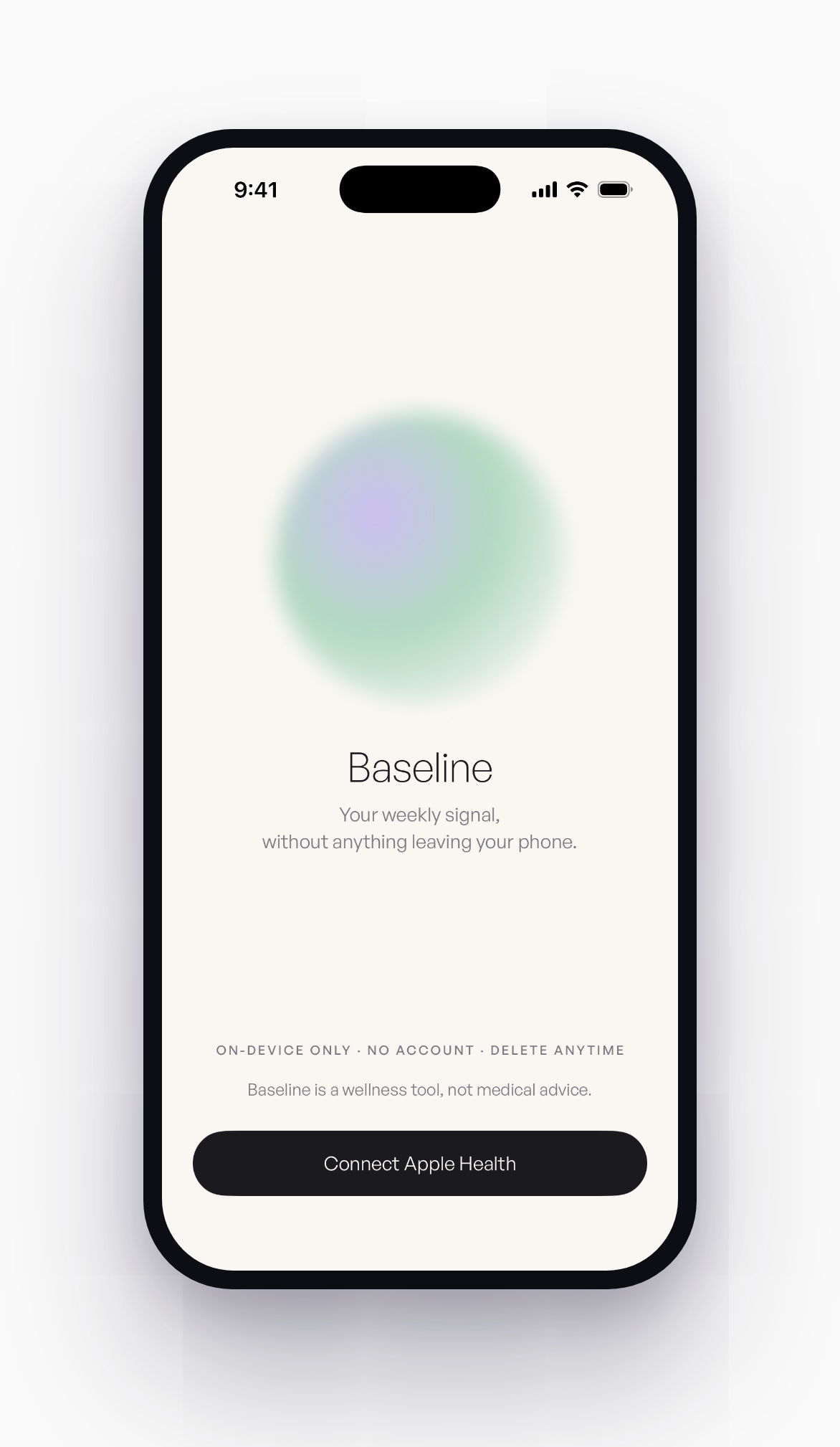
Step 1
Connect Apple Health
Baseline reads from Apple Health, where your iPhone, Apple Watch, and connected apps may already collect sleep, heart rate, HRV, activity, workouts, and other wellness signals.
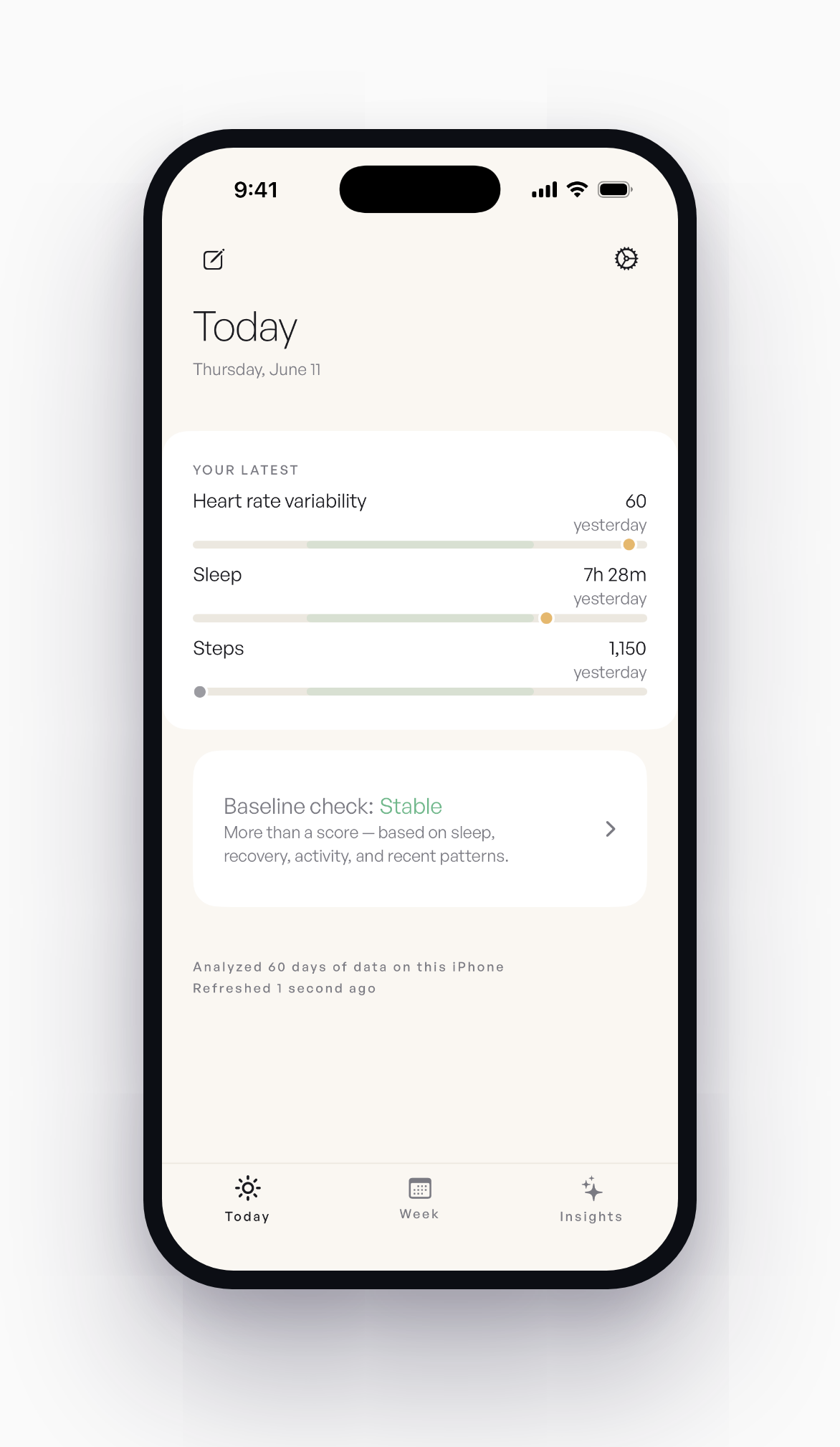
Step 2
Learn your normal
Your normal is personal. Baseline compares recent changes against your own history, so the app is not treating every person like the same benchmark.
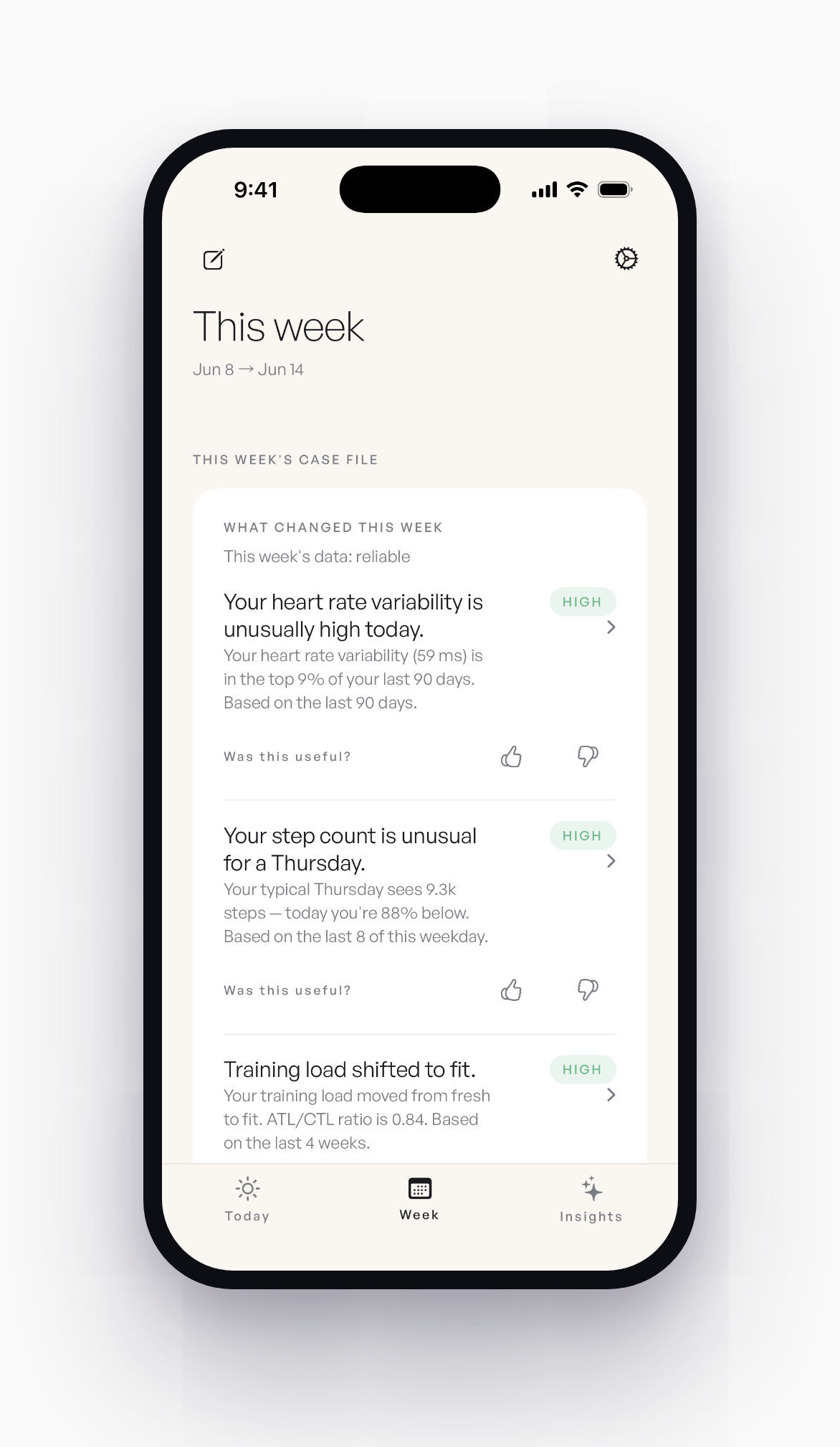
Step 3
Check today. Review the week.
Use the daily check-in for a quick read, then come back to the weekly report to see what changed, what moved together, and what the data could not explain.
What Baseline Might Show
A useful report should not sound like a fortune cookie. It should show the pattern, the evidence behind it, and the parts Baseline cannot know from Apple Health alone.
Sleep was lower than usual
Your average sleep was 6h 22m this week. Your recent baseline is closer to 7h 03m, so this stands out compared with your own recent pattern.
Resting heart rate moved up too
Resting heart rate was above your usual range on 4 of the shorter-sleep nights. That does not prove a cause, but it is a pattern worth watching.
HRV was too sparse to lean on
Only 3 HRV readings were available this week, so Baseline would not treat HRV as a main signal for this pattern.
Example only. Baseline is for wellness reflection and does not provide medical advice, diagnosis, or treatment.
See it in action
A short look at how Baseline works: it learns your normal from Apple Health, shows what changed this week with the evidence behind it, and stays honest when a signal is too thin to trust. Everything runs on your iPhone, with no account.
Your Apple Health data never leaves your iPhone.
Baseline starts with Apple Health because many iPhone, Apple Watch, and connected app signals already live there. The app is built to help you understand your data without creating a cloud health profile. See our privacy policy for more details: Privacy Policy.
No account required
Use Baseline without signing in, creating a health profile, or handing over your Apple Health history.
Analysis runs on-device
Your baselines, trends, and explanations are computed locally on your iPhone. Baseline does not upload your health data for analysis.
No selling, sharing, or training
Your health data is not sold, shared with advertisers, or used to train AI models.
Delete everything in one tap
One button in Settings wipes the local Baseline database from your device. No 30-day grace period. No server-side copy.
Baseline is designed for wellness reflection and informational purposes only. It does not provide medical advice, diagnosis, treatment, or clinical decision support.
Join Early Access
Baseline’s first private iOS beta is opening for Apple Health users who want to understand their own data without turning it into another cloud profile. Early testers help shape the daily check-in, the weekly read on what changed, and the part I am most curious about: running a small 7-day experiment and getting an honest answer, even when the answer is that nothing changed.
The app does not require an account. This form asks for your email and nothing else, so I can send beta updates and your invite. Spots are limited while the beta is small.